+

¿Do you want to learn how to create complex 3d shapes and how to
perform axonometric animations at professional level?

Imagem black-november
93 LESSONS
EXCLUSIVE CONTENT
Imagem black-november
ONLINE COURSE
IMMEDIATE ACCESS
Imagem black-november
CERTIFICATION
OF COMPLETION
Imagem black-november
+60 SCENES
PRE-CONFIGURED
Imagem black-november
RESOURCES
DOWNLOADABLE

What software will we use?

SKETCHUP
You will learn new concepts of advanced 3D modeling for the development of organic forms demonstrating proficiency in architectural projects.

Recommended version: 2017 a 2022
LUMION
You will learn to represent your projects in an innovative way with interior, night, landscape, constructive animation styles, etc. as well as creating your own style.

Recommended version: L11 a L12.5
PHOTOSHOP
You will learn how to perform post-production of renders and videos, as well as how to improve the result up to 200% with customized effects and adjustments.

Recommended version: 2020 a 2022

BE PART OF OUR COMMUNITY, TODAY WITH 50% DISCOUNT!

PREMIUM
3D MODELING + ANIMATION
MODULE 01: Advanced 3D modeling
MODULE 02: 3D modeling for animation
 MODULE 03: Render and animation
MODULE 04: Post-production animation
 MODULE 05: Project Urban Landscape 
 MODULE 06: Project Road Section
MODULE 07: Project Cottage House
MODULE 08: Project Public Space
MODULE 09: Project Static - Night
MODULE 10: Project Indoor
MODULE 11: Project Landscape
MODULE 12: Project Construction System

BONUS:
50 Axonometric Animation Scenes.
18 Realistic Interior & Exterior escenes.
US$134,00
US$67.00
GET ACCESS COMPLETE
Imagem

What is it?

It is a complete training to learn how to model complex shapes and develop animations in a fast, intuitive and professional way. The course is developed from zero to an advanced level.

Learn from scratch how to:
Model in 3D with SketchUp pro.
✔ Apply advanced +30 plugins.
Make animations with Lumion.
✔ Post-production with Photoshop
Present projects that sell.

EXCLUSIVE BENEFITS

44 LESSONS FROM SCRATCH
Access to the course and the platform is for life, you can view the lessons as many times as you wish.
SOFTWARE
You can apply the SketchUp version of your choice, we recommend v2021 - v2022.
+30 PLUGINS
Access to new tools and discover how they work in the 3d creation process.
image
image
49 LESSONS FROM SCRATCH
Access to the course and the platform is for life, you can view the lessons as many times as you wish.
SOFTWARE
We recommend you to use version 11 onwards, to obtain excellent results with Lumion.
PRESET
We will give you access to our configurations that will allow you to apply them to your projects with a click of a button.
REGISTRATIONS OPEN WITH A 50% DISCOUNT!
From US$134.00 per just:
US$67.00

SOME 3D PROJECTS THAT WE WILL DEVELOP

SOME REAL 3D PROJECTS THAT WE WILL DEVELOP

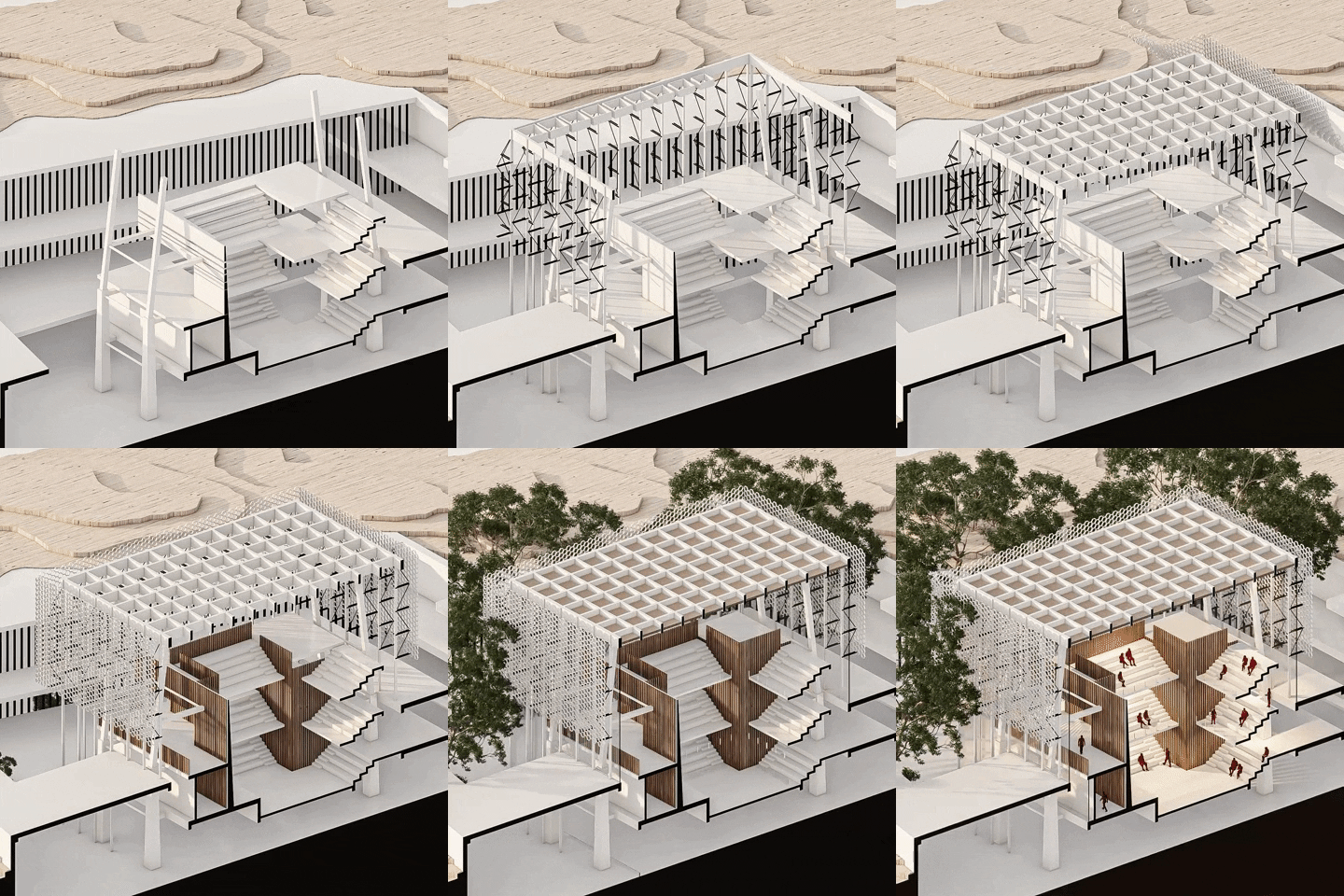
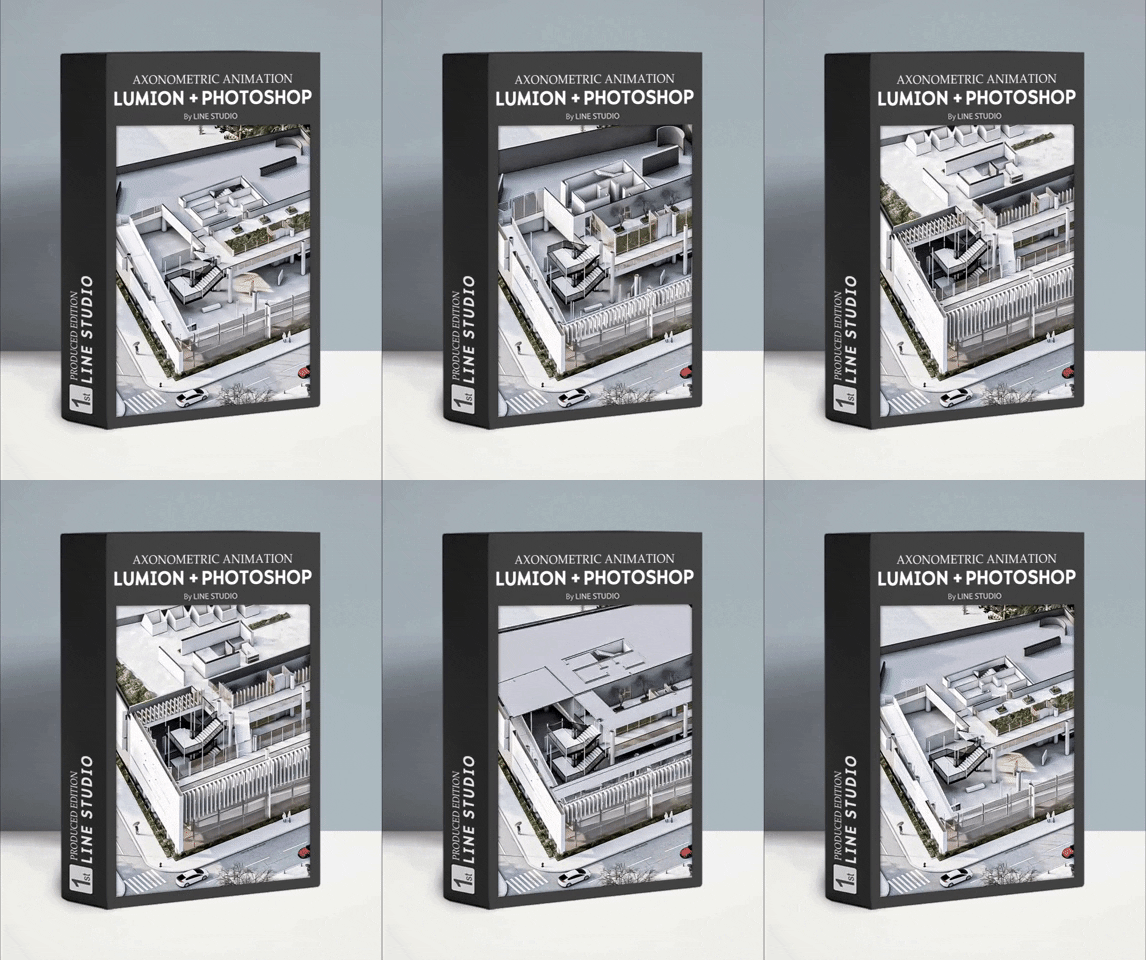
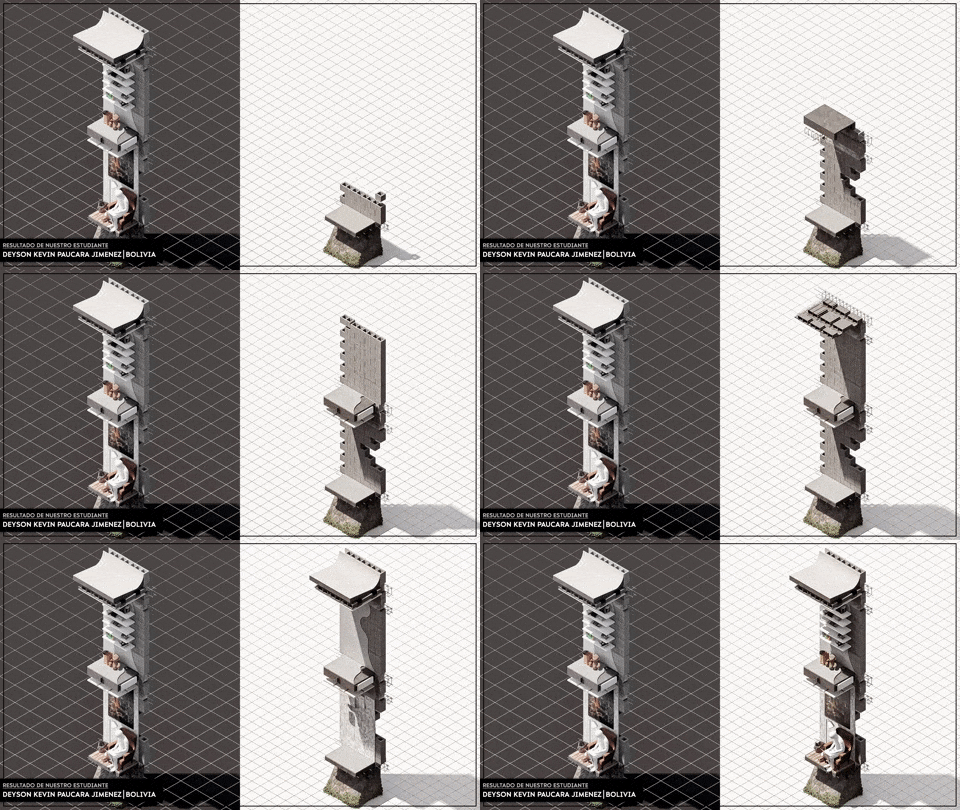
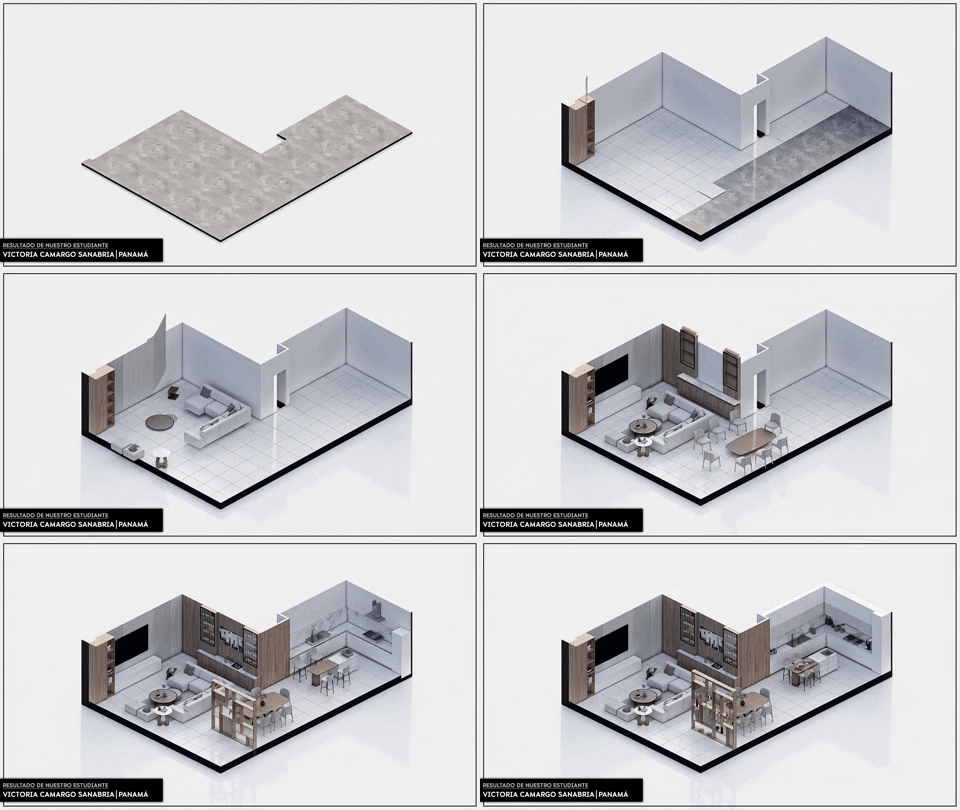
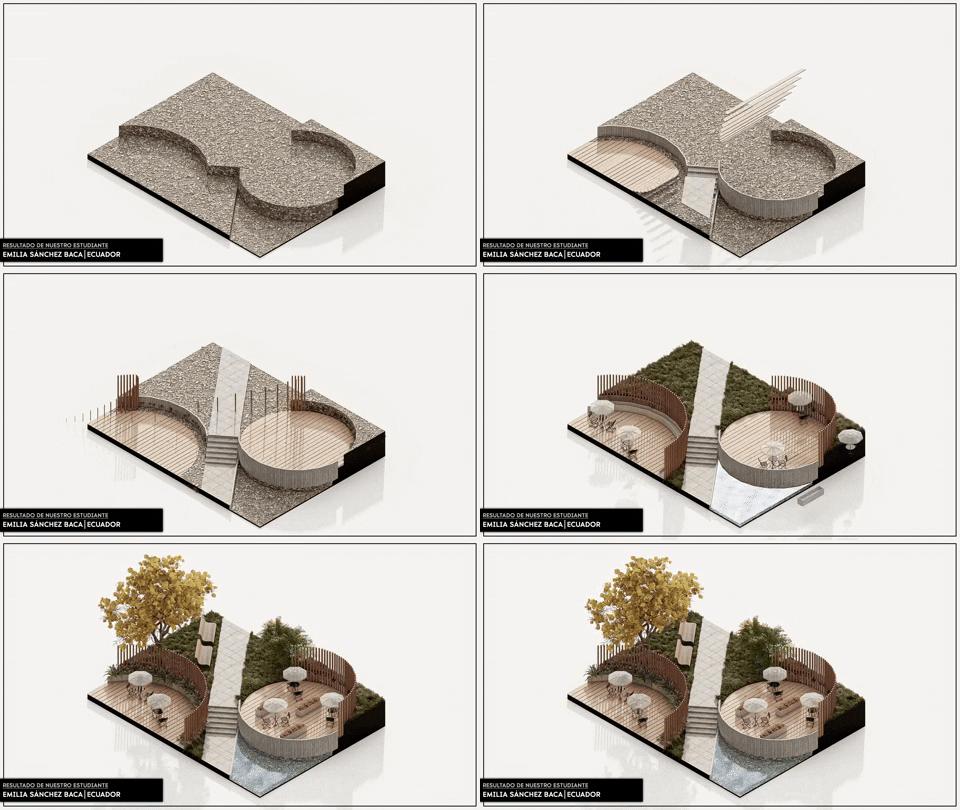
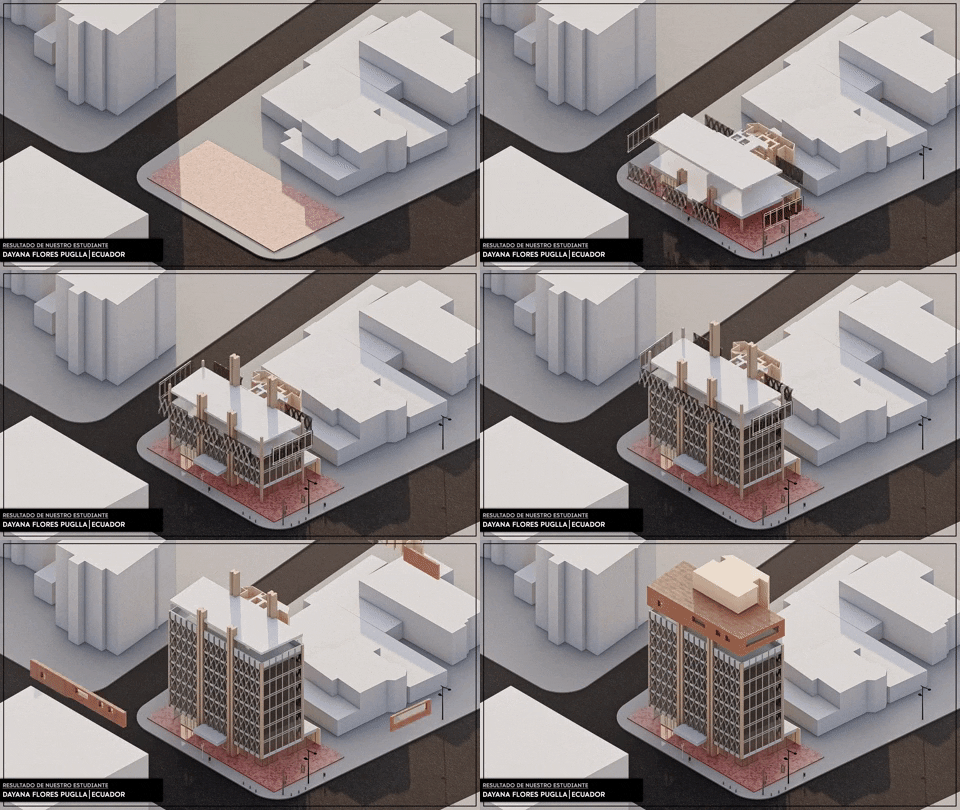
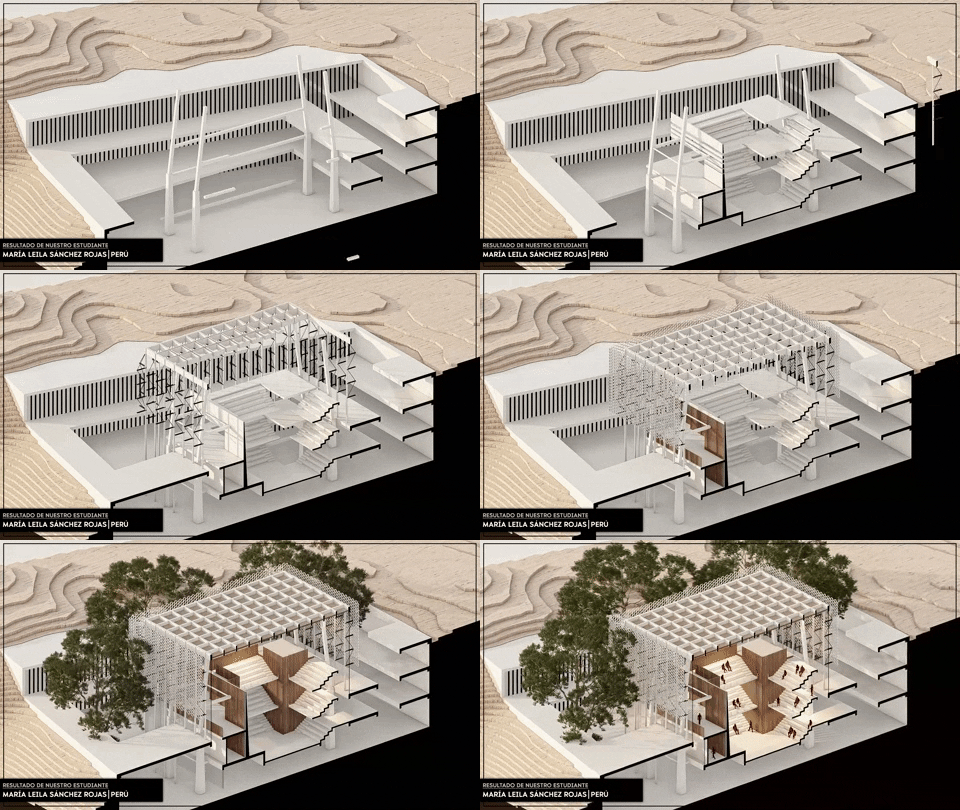
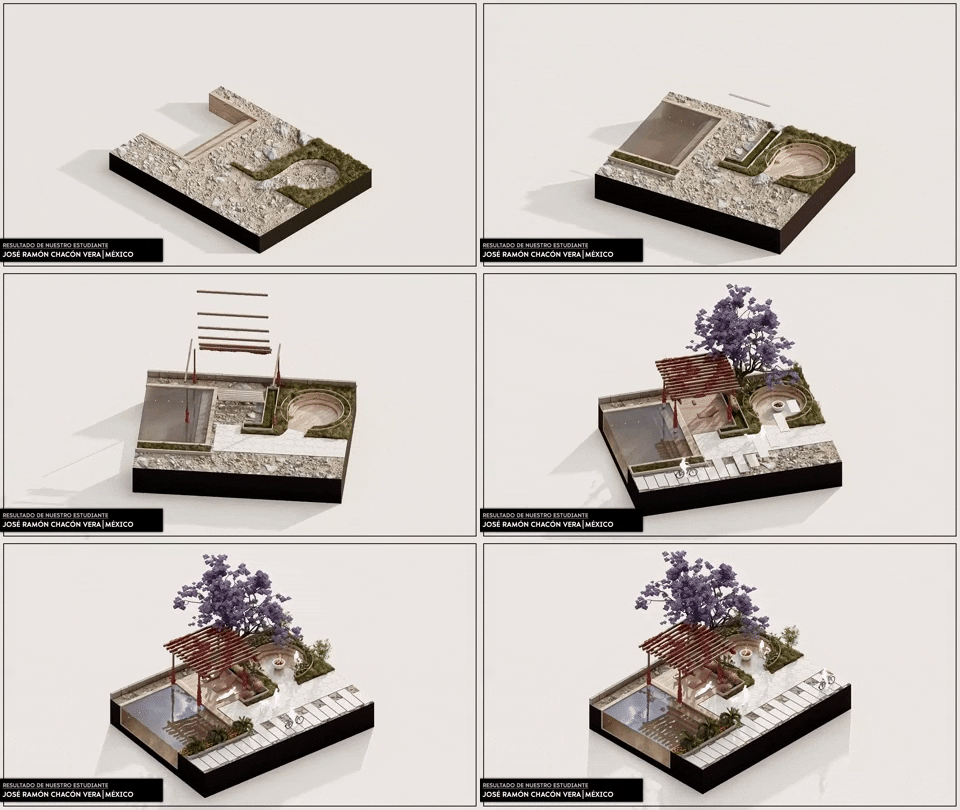
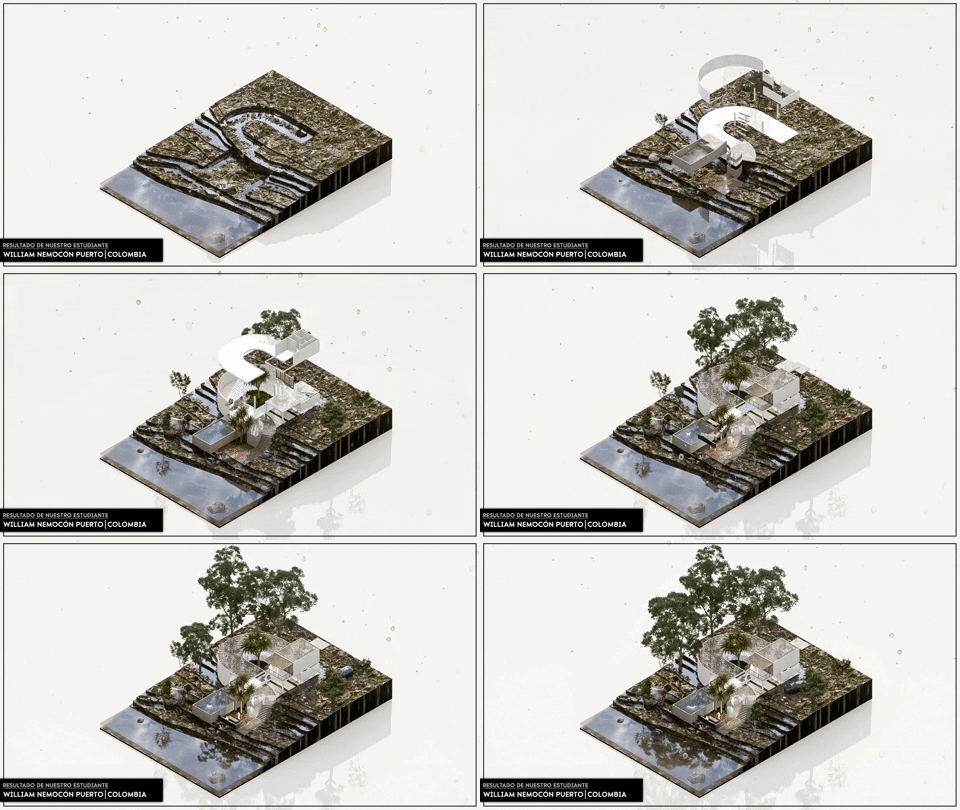
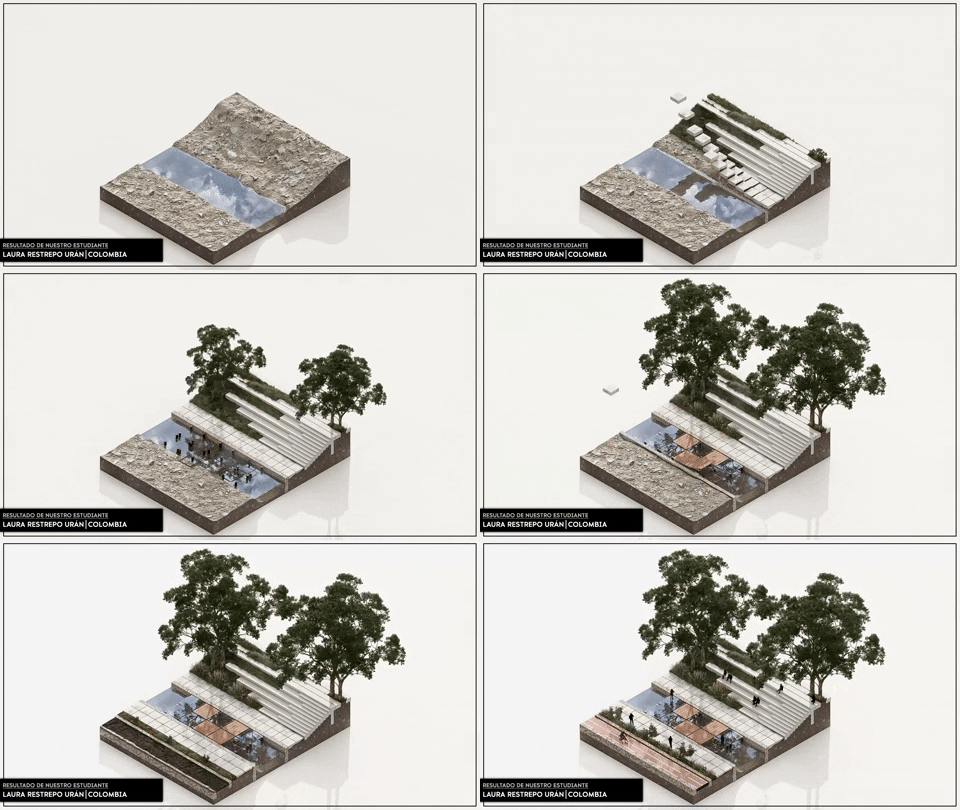
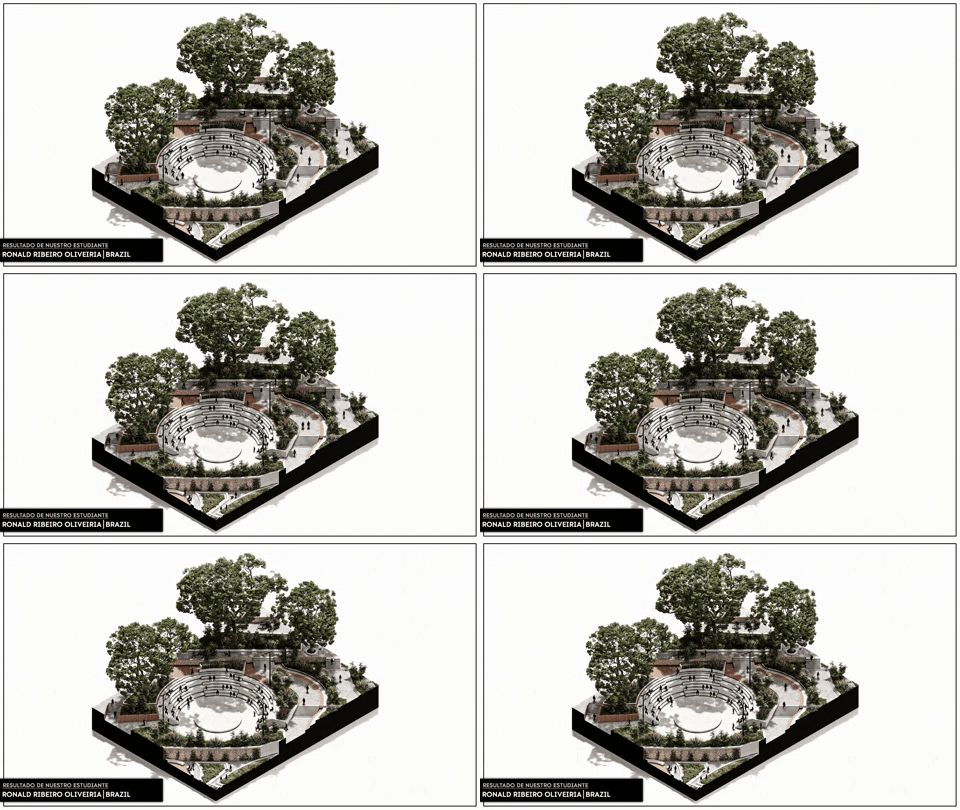
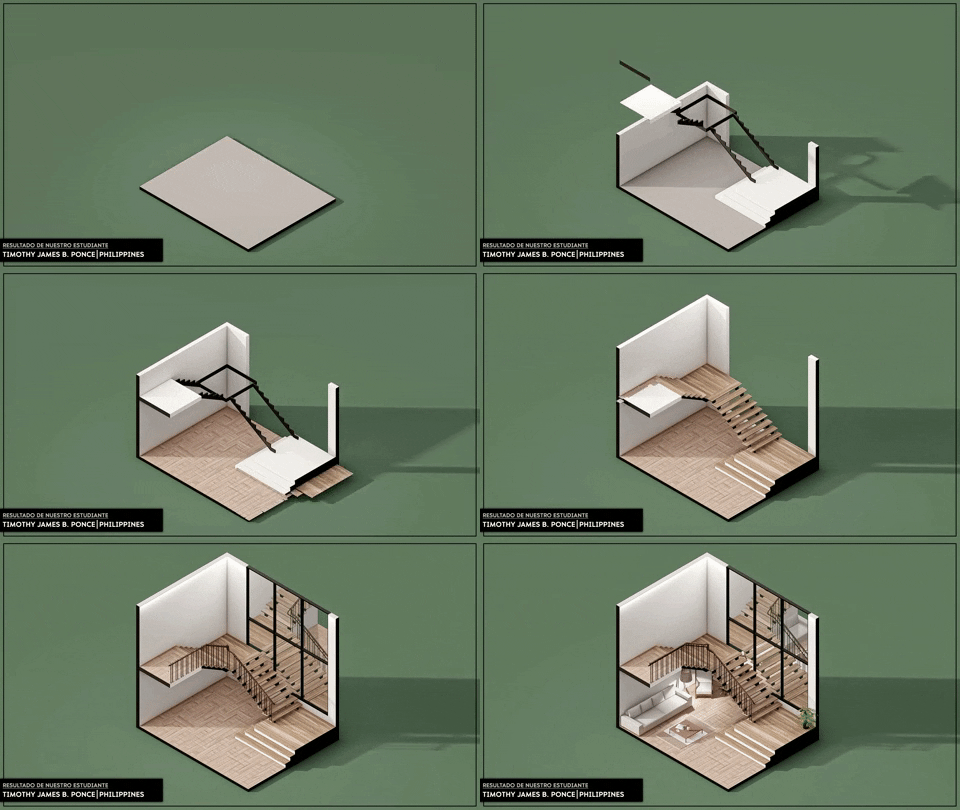
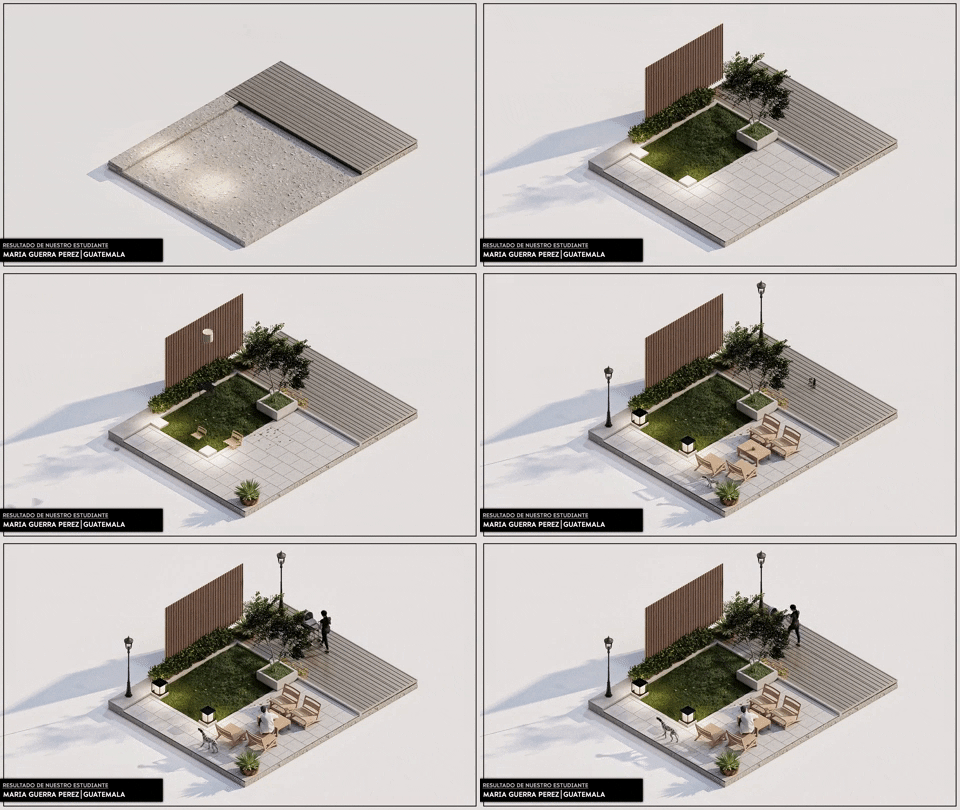
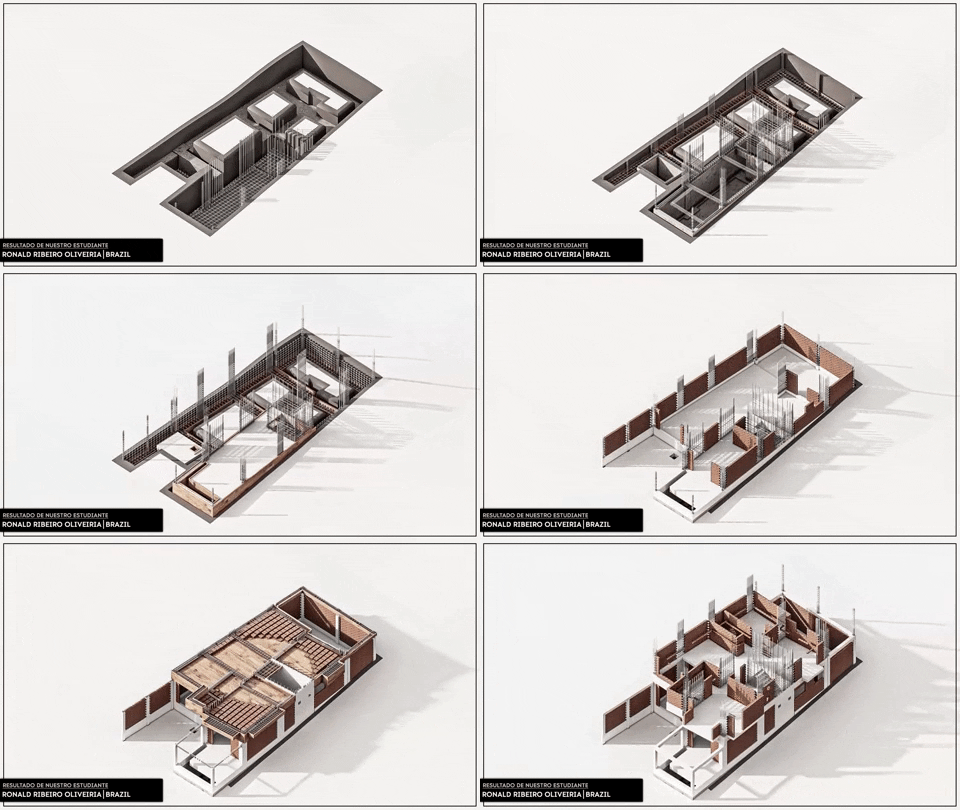
SOME OF OUR STUDENTS' ANIMATION PROJECTS

REGISTRATIONS OPEN WITH A 50% DISCOUNT!
From US$134.00 per just:
US$67.00

TRAINING STAGES

  • Module 1 | Advanced 3D Modeling with SketchUp

    2.1 - Architectural forms 01
    2.2 - Architectural forms 02
    2.3 - Architectural forms 03
    .
    .
    .
    2.38 - Architectural forms 38
    2.39 - Architectural forms 39
    2.40 - Architectural forms 40

    We will develop 40 exercises of architectural forms from scratch.
  • Module 2 | 3D Modeling for Animation

    3.1 - Previous Modeling Settings
    3.2 - General Modeling Concepts
    3.3 - Materiality considerations for Lumion
    3.4 - Reference animation scenes
    3.5 - Modeling of structural elements
    3.6 - Export from Sketchup to Lumion for Animation
    3.7 - Common Export Errors
  • Module 3 | Render and Animation 

    4.1 - Lumion's Interface
    4.2 - Import Solids and Lines
    4.3 - Create new Material
    4.4 - Create normal map and Displacement
    4.5 - Materials Configuration
    4.6 - Setting of Scenes
    4.7 - Ilumination
    4.8 - Animation - mass movement
    4.9 - Move and advanced move
    4.10 - Animation with clip Plane
    4.11 - Light colors
    4.12 - Time Warp
    4.13 - Sun animation
    4.14 - Skies and Clouds
    4.15 - Precipitation
    4.16 - Animated phasing
    4.17 - Preset for render and video
    4.18 - Layer visibility
  • Module 4 | Post-production Render & Video 

    5.1 - Publication Format
    5.2 - Post-production - Render
    5.3 - Post-production - Animation
    5.4 - Export Render and Animation
  • Module 5 | Project Urban Landscape

    6.1 - Urban animation | SketchUp
    6.2 - Urban animation | Lumion
    6.3 - Urban animation | Photoshop
  • Module 6 | Project Road Section

    7.1 - Animation road section | SketchUp
    7.2 - Animation road section | Lumion
    7.3 - Animation road section | Photoshop
  • Module 7 | Project Cottage House

    8.1 - Natural animation | SketchUp
    8.2 - Natural animation | Lumion
    8.3 - Natural animation | Photoshop
  • Module 8 | Project Public Space

    9.1 - Landscape animation | SketchUp
    9.2 - Landscape animation | Lumion
    9.3 - Landscape animation | Photoshop
  • Module 9 | Project Static - Night

    10.1 - Public space animation | SketchUp
    10.2 - Public space animation | Lumion
    10.3 - Public space animation | Photoshop
  • Module 10 | Project Indoor

    11.1 - Indoor animation | SketchUp
    11.2 - Indoor animation | Lumion
    11.3 - Indoor animation | Photoshop
  • Module 11 | Project Landscape

    12.1 - Stage animation | SketchUp 
    12.2 - Stage animation | Lumion 
    12.3 - Stage animation | Photoshop
  • Module 12 | Project Construction System

    13.1 - Constructive animation | SketchUp 
    13.2 - Constructive animation | Lumion 
    13.3 - Constructive animation | Photoshop

"GET CERTIFIED and endorse your new knowledge at an INTERNATIONAL level."

  • We are a professional training platform for architecture, design, engineering and construction.
  • Obtain an internationally endorsed certificate that will demonstrate your new knowledge.
  • Certificate awarded at the end of the training stage.
REGISTRATIONS OPEN WITH A 50% DISCOUNT!
From US$134.00 per just:
US$67.00